DualSense compatibility: check the connection and the game
Bluetooth and USB pairing are only part of the compatibility picture, particularly for PC haptic feedback.
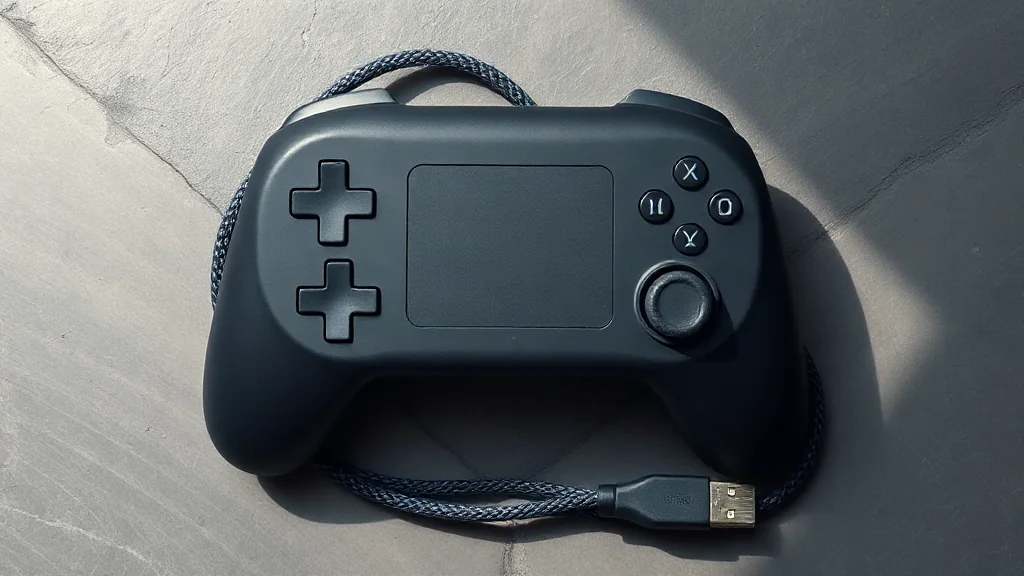
Before setting up a DualSense, check two separate questions: whether your device supports the controller and which features your chosen game supports. DualSense pairs with supported devices through Bluetooth or USB, but individual game features vary. A successful connection therefore does not establish that every controller feature will work.
For PC players interested in haptic feedback, the connection choice matters. Haptic feedback requires USB in supported games. If that feature is central to your setup, check game support and plan for a USB connection before your next session.
Treat compatibility as a combination of device, connection and game. This gives you a clearer checklist than relying on the controller name alone, and helps you choose a setup around the features you actually want to use.
Browse PC controllers on Amazon UK